

 English
 Deutsch
 Español
 русский

Home · News · Industry News · Best Faceplate Guide: How to Choose, Use & Install It Right
Industry News
Best Faceplate Guide: How to Choose, Use & Install It Right
2026-07-17Content
- 1 What a Faceplate Actually Does in a Wiring System
- 2 Faceplate Types and When to Use Each One
- 3 Face Plate Series at a Glance
- 4 Key Specifications to Check Before You Buy
- 5 Step-by-Step Faceplate Installation
- 6 Faceplate vs Mounting Box vs Bottom Box
- 7 Common Installation Mistakes to Avoid
- 8 Frequently Asked Questions
Quick answer: The right faceplate depends on three things — the wall standard you are working with (86-type, 120-type, or 80-type), the number of ports you need to cover, and the module brand you are pairing it with. For most offices and homes, an 86-type single or dual-port panel made from flame-retardant ABS plastic covers the job. For data centers or industrial rooms, pair a metal panel with a matching bottom box rated for the wiring density involved. Below is a full breakdown of types, specs, installation steps, and buying criteria so you can pick with confidence instead of guessing.
What a Faceplate Actually Does in a Wiring System
A faceplate is the panel mounted on a wall or cabinet front that holds and protects the Keystone modules, RJ45 sockets, or fiber adapters behind it. It is not just a cosmetic cover. Three jobs matter most in practice:
- Physical protection — shields modules from dust, moisture, and accidental knocks so the connection stays stable over years of use.
- Organized access — gives technicians a standardized layout so cable runs can be labeled, tested, and swapped without opening the wall.
- Finished appearance — hides raw wiring and terminals behind a flush panel, which matters for offices, hotels, and any client-facing space.
A single dropped connection in a server room can cost far more in downtime than the panel itself, which is why even a small plastic faceplate is treated as a real engineering component rather than an accessory.
Faceplate Types and When to Use Each One
Faceplates are grouped by wall-box standard and port count. Matching the type to your existing wall box avoids the single most common installation headache: a panel that does not seat into the box behind it.
| Type | Typical Size | Best Use Case |
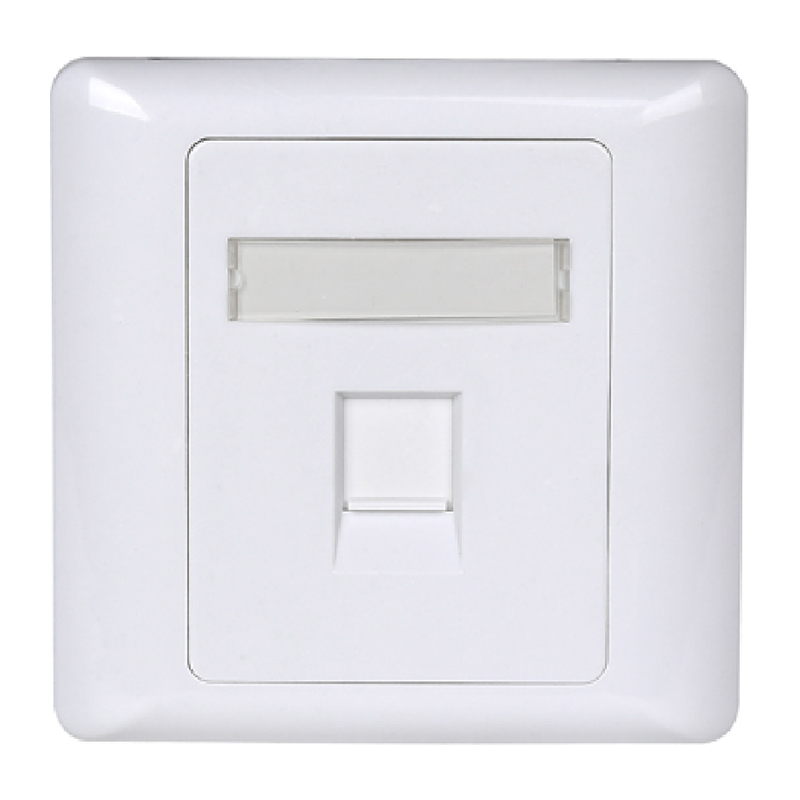
| 86-type single-port | 86 x 86 mm | Home offices, single workstation drops |
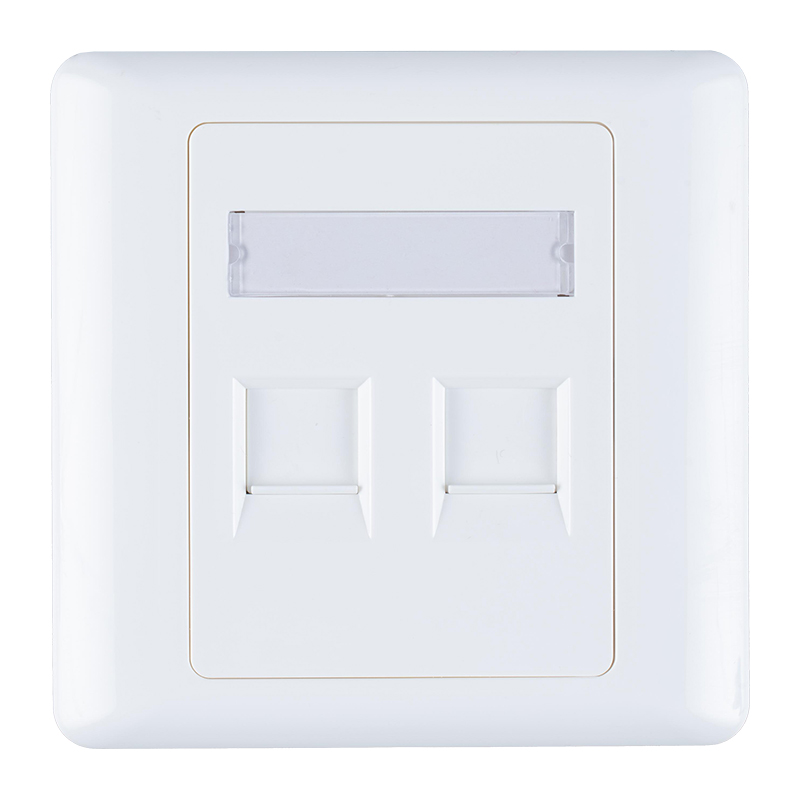
| 86-type dual-port | 86 x 86 mm | Standard desk with voice and data lines |
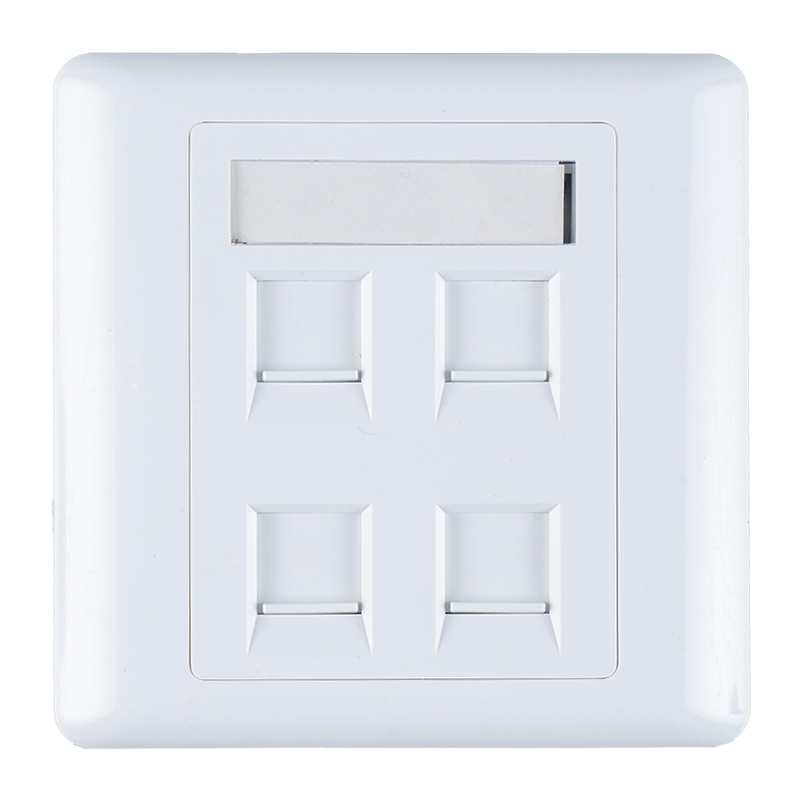
| 86-type quad-port | 86 x 86 mm | Shared workstations, meeting rooms |
| 120-type | 120 x 74 mm | High-density drops, FTTH distribution points |
| 80-type blank / 2-opening | 80 x 80 mm | Legacy wiring systems, retrofit projects |
If you are sourcing at volume, working with a single face plate factory that also supplies the matching mounting box and bottom box keeps tolerances consistent, which matters more than it sounds — a 0.5 mm mismatch between panel and box is enough to leave a visible gap on the wall.
Face Plate Series at a Glance
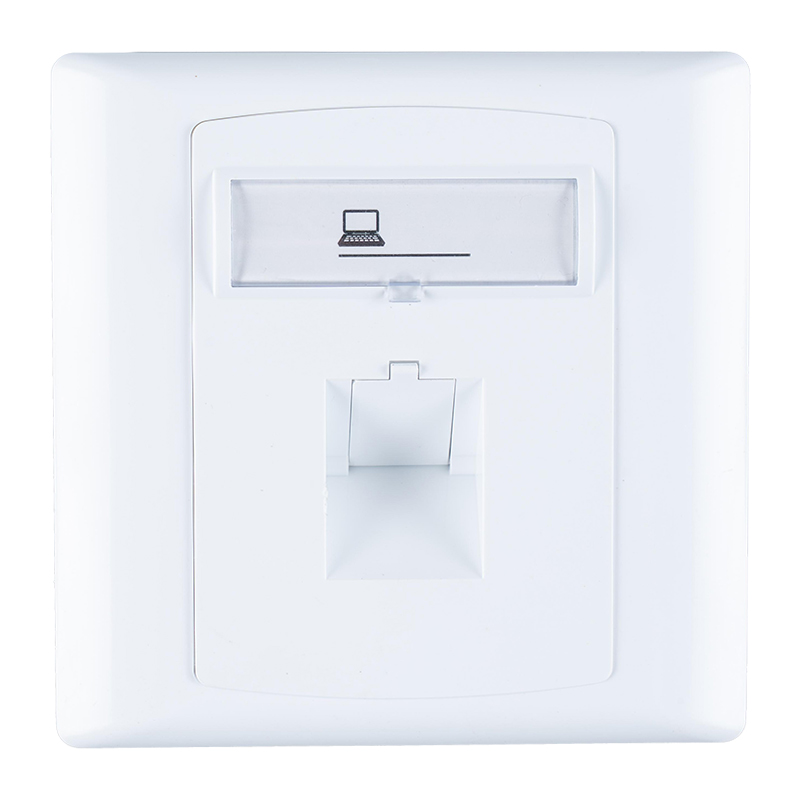
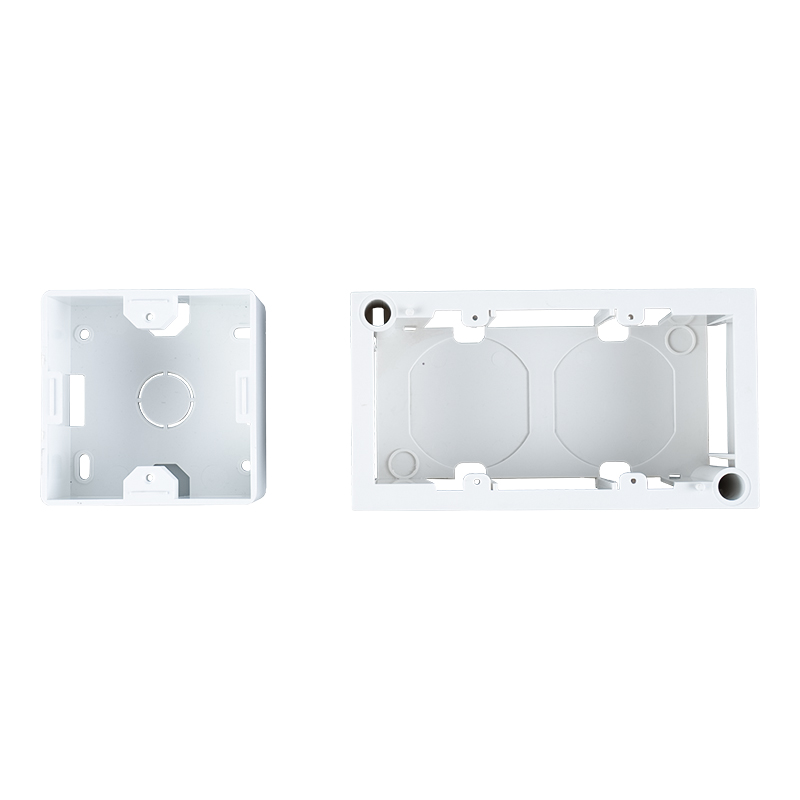
A sample of 86-type and bottom box panels commonly specified for office, residential, and light commercial cabling projects.
Key Specifications to Check Before You Buy
Beyond size, four specs decide whether a faceplate will hold up under real conditions:
| Spec | Why It Matters |
| Material | ABS plastic is light and low-cost; metal panels resist impact and suit industrial or high-traffic areas |
| Fire rating | Flame-retardant (UL94-V0) plastic is required in most commercial buildings and data centers |
| Module compatibility | Confirm the panel accepts your Keystone or modular jack footprint — mismatched cutouts are the top return reason |
| Environmental rating | Outdoor or industrial installs need an IP-rated enclosure; standard indoor panels are not weatherproof |
For projects that mix copper and fiber drops, or that need shielded terminations near motors or elevators, it is worth pairing the panel with shielded modules sourced from the same Keystone Jack factory or modular jack factory to keep grounding continuous through the whole run.
Step-by-Step Faceplate Installation
- Confirm the box type. Open the wall or floor box and check whether it is 86-type, 120-type, or 80-type before ordering the panel.
- Terminate the modules first. Punch down or crimp all Keystone modules or connectors before seating them into the panel — working inside a mounted panel is slower and risks scratching the wall finish.
- Snap modules into the panel. Most panels use a tool-less snap-fit; press each module until it clicks flush with the front face.
- Dress the cable slack. Leave 15 to 20 cm of service loop behind the box so the panel can be removed later without re-terminating.
- Screw the panel to the box. Use the two central screws first to align the panel, then tighten evenly to avoid warping thin plastic covers.
- Label each port. Use the pre-drilled label window to mark port numbers immediately — this single step saves the most time during future troubleshooting.
Faceplate vs Mounting Box vs Bottom Box
These three terms get mixed up often, but they play different roles in the same wall opening.
| Component | Role | Visible After Install |
| Faceplate | Front cover holding modules; the user-facing interface | Yes |
| Mounting box | Wall-recessed shell that the faceplate screws into | No |
| Bottom box | Deeper enclosure for high cable volume or floor installs | No |
Sourcing all three from one mounting box factory and bottom box factory avoids the fit issues that come from mixing brands with slightly different screw spacing.
Common Installation Mistakes to Avoid
- Ignoring bend radius — cramming cable into a shallow box stresses the jacket and can degrade Cat6 or Cat6A performance over time.
- Mixing shielded and unshielded parts — a shielded panel with unshielded modules breaks grounding continuity and defeats the purpose of shielding.
- Skipping the fire rating check — many commercial fit-outs fail inspection because a low-cost panel lacks a flame-retardant certificate.
- Overtightening screws — thin ABS panels can crack at the mounting ears if screws are driven too hard.
For larger deployments, routing excess slack through a rack-mounted organizer from a dedicated cable management factory keeps the horizontal runs feeding into each panel tidy and easier to trace during audits.
Frequently Asked Questions
What size faceplate do I need? Measure the existing wall box first — 86 x 86 mm is the most common residential and office standard, while 120-type suits higher port density.
Can I install a faceplate without special tools? Yes, most modern panels use tool-less snap-in modules and only need a screwdriver for the two mounting screws.
Is a metal or plastic faceplate better? Plastic is lighter and cheaper for standard offices; metal is preferred where impact resistance or a more premium finish is required.
Do faceplates work outdoors? Only if rated for it — check the IP rating before installing in any exposed or damp location.
What is the cost benefit of buying in bulk? Volume orders typically qualify for OEM customization and lower per-unit logistics cost, which matters for large rollouts or renovation projects.
Contact Us
Your email address will not be published. Required field are marked*


-
 No. 588, Xiaolin Avenue, Xiaolin Town, Cixi City, Zhejiang Province
-
 [email protected]
-
 +86-574-63507962
-
 +86-15988643730
Copyright Ningbo Betterbell Telecommunication Equipment Co., Ltd. All rights reserved. Structured Cabling Solutions Manufacturer Network Cabling Products Supplier
